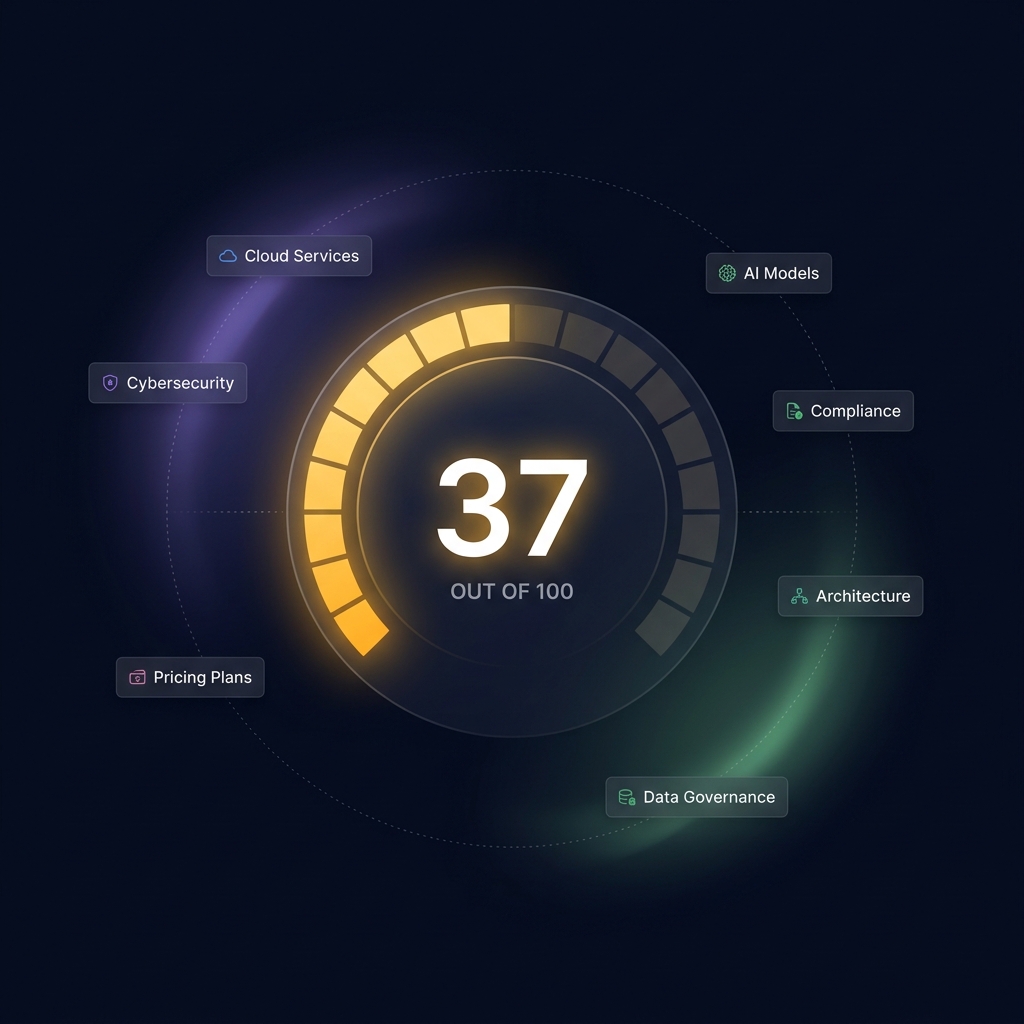
You uploaded 50 pages to train your AI chatbot. It says "Training Complete". But did it actually learn anything useful? The Knowledge Health Score is a 0-100 grade that answers exactly that question.
The Problem: "Training Complete" Tells You Nothing
When you train an AI chatbot with your website, product docs, or FAQs, the system splits everything into text chunks, creates vector embeddings, and stores them. Training complete. ✅
But "training complete" only means the data went in — not that the AI understands your business. It's like a student who read the textbook but can't name a single key concept from it.
What Gets Analyzed: Entities, Concepts, and More
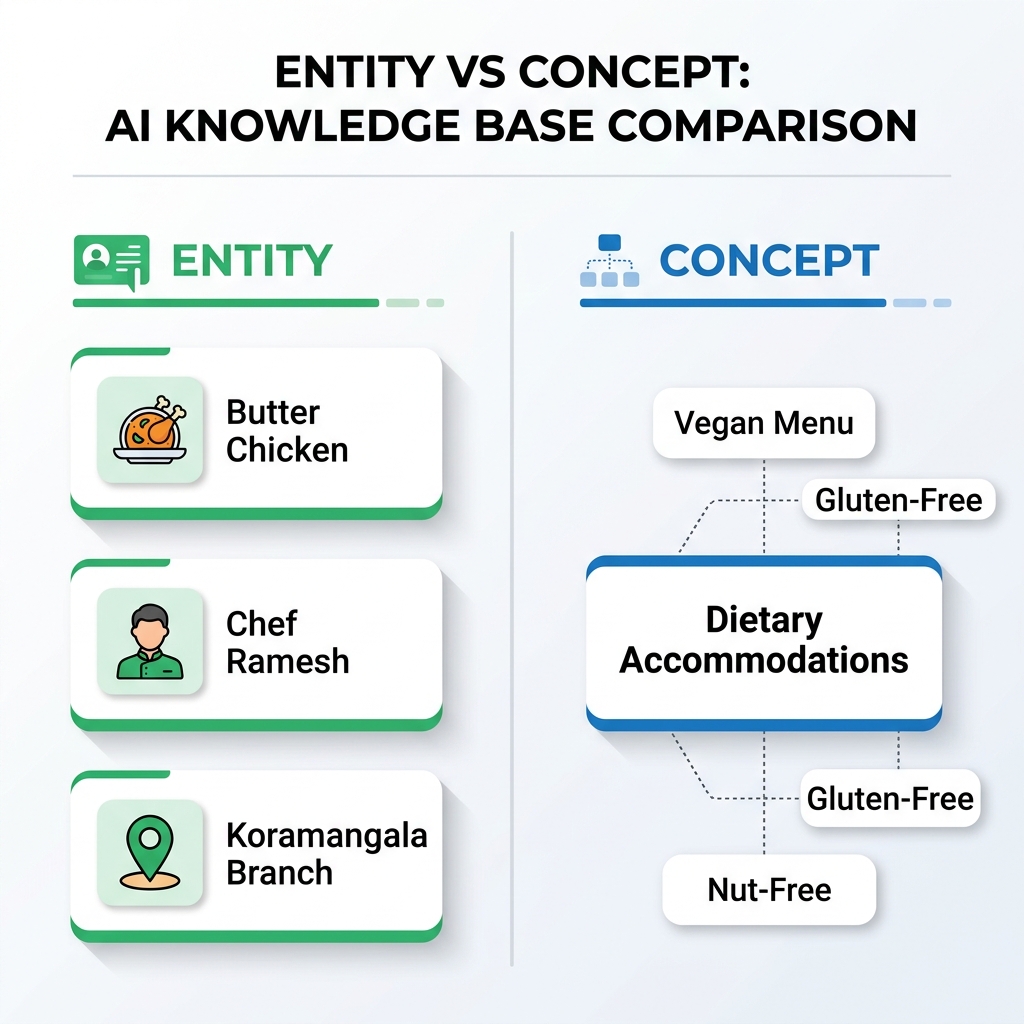
Before we explain the score, you need to understand what the AI is looking for when it analyzes your content. Think of it like a restaurant's knowledge base:
| Type | What It Is | Example |
|---|---|---|
| Entity | A specific thing a customer might ask about | "Butter Chicken", "Chef Ramesh", "Weekend Brunch" |
| Concept | A cross-cutting idea that connects entities | "Dietary Accommodations" (links Vegan + Gluten-Free + Nut-Free) |
| Contradiction | Two pages saying different things | Page A: "Open till 11pm" vs Page B: "Open till 10pm" |
| Gap | Something customers ask about but isn't covered | 5 visitors asked about parking, but no page mentions it |
How the Score Is Calculated
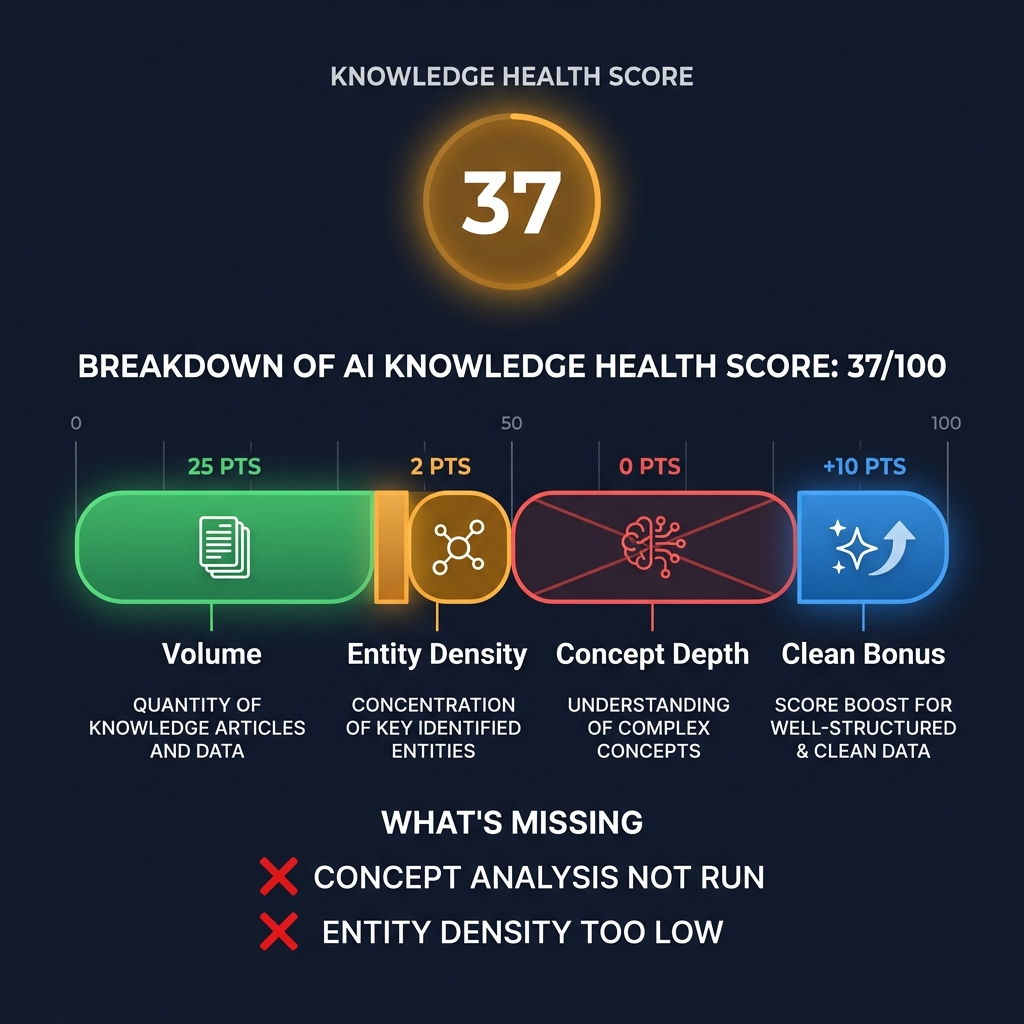
The Health Score starts at 0 and earns points for actual coverage. It's not a percentage — it's a grade built from four dimensions, minus penalties.
The Four Dimensions
| Component | Max Points | What It Measures | Analogy |
|---|---|---|---|
| Volume | 25 | How much content you've trained | "Did you read the textbook?" |
| Entity Density | 25 | How many key topics the AI found per page | "Can you name the important things?" |
| Concept Depth | 20 | How well ideas connect across topics | "Do you understand how things relate?" |
| Clean Bonus | +10 | No contradictions in your knowledge | "Is your information consistent?" |
Penalties That Lower Your Score
If the AI finds problems, points get subtracted:
| Problem | Penalty | Example |
|---|---|---|
| Critical contradiction (pricing, contact info) | -15 each | Two different phone numbers on different pages |
| Warning contradiction (features, specs) | -5 each | Different feature lists for the same product |
| Info contradiction (minor) | -2 each | Slightly different descriptions of the same service |
| Knowledge gap | -2 each (max -15) | Customers asking about something you haven't documented |
What Your Score Means
| Score | Grade | What To Do |
|---|---|---|
| 0–15 | 🔴 Poor | Add more training content. Your AI doesn't have enough material to work with. |
| 16–35 | 🟠 Weak | Content exists, but the AI hasn't identified enough key topics. Check if pages have enough detail. |
| 36–55 | 🟡 Fair | Decent foundation. Focus on connecting concepts across topics and filling gaps. |
| 56–75 | 🟢 Good | Solid coverage. Most visitor questions should get good answers. Look for contradictions. |
| 76–100 | 💎 Excellent | Deep knowledge with connected concepts and consistent information. Your AI is well-trained. |
Real Example: 283 Pages, Score 37
One of our test customers trained their AI with 283 pages from their IT services website. The result? A health score of 37 out of 100. Here's why:
The score of 37 correctly tells this admin: "You have plenty of content, but the AI barely scratched the surface. It identified 27 things worth remembering across 283 pages — that's less than 1 topic per 10 pages."
A score of 37 isn't bad — it's honest. It tells you exactly where to focus: not more content, but deeper analysis of the content you already have.
How It Works Behind the Scenes
When you enable Auto-Synthesis in your Genius settings, the analysis runs automatically after every training. Here's what happens:
Does This Cost Extra?
Two important facts:
How to Enable It
Three toggles in Settings → AI & Behavior → Search Quality:
| Toggle | What It Does | Cost Impact |
|---|---|---|
| Query Expansion | Rephrases questions 2 ways for broader search | +1 AI call per message |
| Knowledge Synthesis Feed | Adds entity summaries to chat context | $0.00 (database lookup) |
| Auto-Synthesis After Training | Runs full analysis after every training | Once per training (~$0.03 for 50 pages) |